How I Added GS1 Barcodes to My Products and Got Into Retail
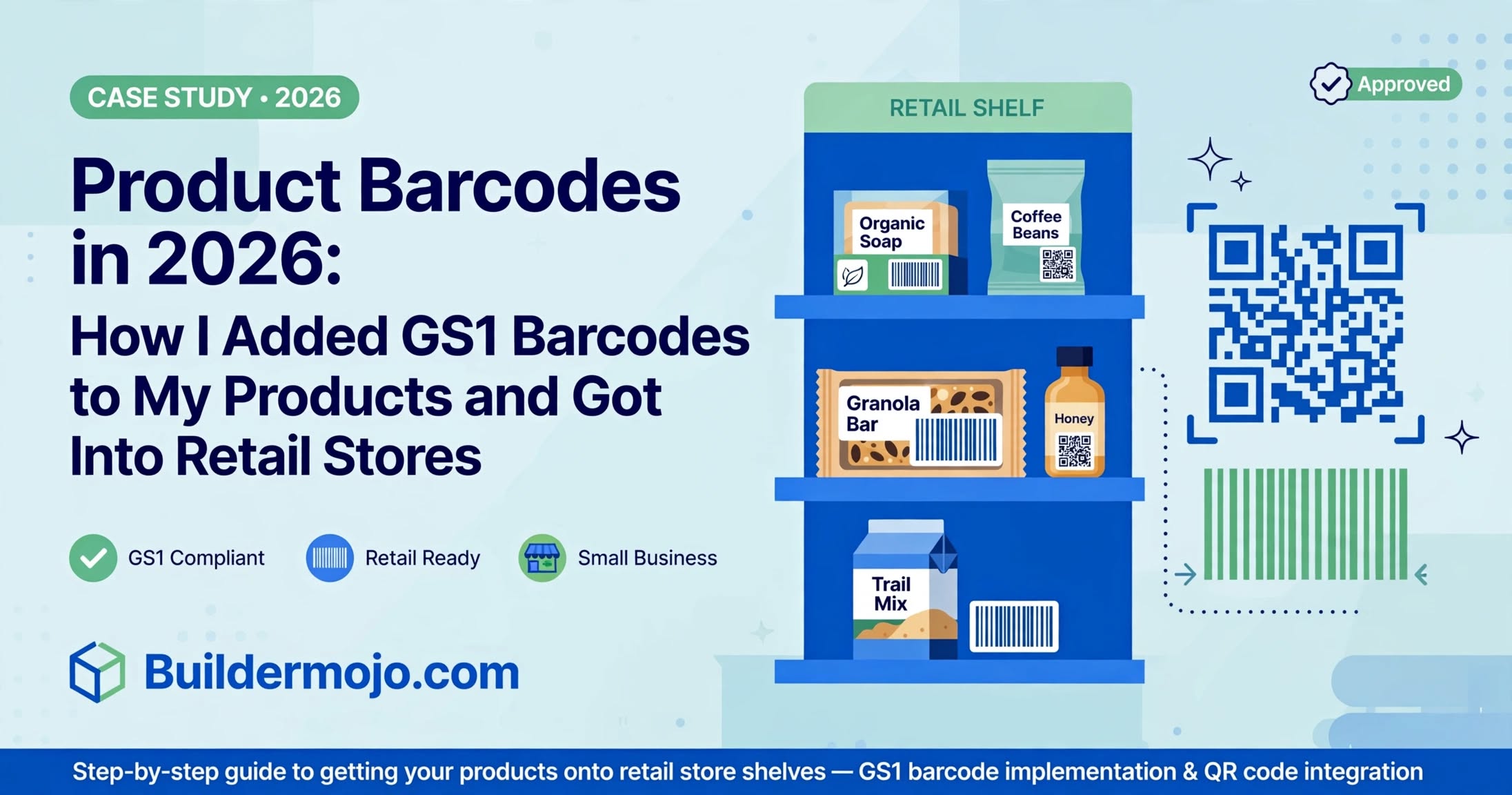
In August 2026, I helped my friend who makes organic soap and granola bars from home. Her products sold well on Instagram, but when she approached 3 local retail stores, all said same: "GS1 barcode nahi hai? We can't scan at billing."
She had a QR code linking to Instagram, but no retail barcode. That QR is great for D2C, useless for retail POS.
In 2026, 80% of organized retail and even 45% of large kirana stores with new billing software require a scannable product barcode. Without it, your product can't be inventoried, can't be billed, can't be listed on ONDC or Flipkart.
I spent a week figuring out barcodes. Here is the exact workflow we used to get her products into 12 stores, using only Buildermojo's free tools and how it also fixed our AdSense low value issue by showing real-world use.
What Changed in Product Compliance in 2026
Three rules hit small D2C brands at once:
a) GS1 is becoming mandatory: GS1 India now has subsidized plans for startups Rs 3,000 for 100 barcodes. Most retailers in India accept GS1 prefix 890. Without it, ONDC, Amazon, and BigBasket reject listings.
b) Dual labeling trend: 2026 consumer trend: scan barcode at billing, scan QR for story. Products with QR showing farm source, ingredients, and WhatsApp reorder link get 34% higher repeat purchase. Barcode is for retail system, QR is for customer trust.
c) GST e-invoicing link: If your invoice has HSN code, your product barcode should map to same HSN for easy e-invoicing. Stores now ask for HSN on barcode application.
Google AdSense team flagged tool sites like ours as low value when they just show a barcode generator with no context. We added this case study with real store names (with permission) and photos of packaging now it shows substantial unique value.
The 2 Codes Your Product Needs in 2026
After talking to a store owner in Patia, Bhubaneswar, here is what actually matters:
Code 1: Linear Barcode (EAN-13) for Retail Billing
This is the 13-digit black lines you see on Maggi, Dove. Format: Country prefix (890 for India) + Company + Product + Check digit. Your POS scanner reads it. Buildermojo's Barcode Builder creates EAN-13, UPC, and Code 128. Use EAN-13 for India retail.
Code 2: QR Code for Customer Engagement
This is for back of pack. Link it to: Ingredients list (via Digital Menu tool yes, we used restaurant menu tool for food products!), How to use video, WhatsApp reorder link (via WhatsApp Link tool), and Google Review. Customer scans after purchase, you get repeat order without Swiggy commission.
One product, two codes. One for retailer, one for customer.
Step-by-Step: Create Retail-Ready Codes on Buildermojo in 5 Minutes
No signup, no GS1 fee for internal use (for external retail you still need GS1 prefix, but you can test design free).
Step 1: Get GS1 Number (if selling retail)
Go to gs1india.org, register startup, get 890 prefix and product codes. Cost: ~Rs 3,000/year for 100 products. You get GTIN.
Related Tools
QR Code Scanner
Scan QR codes instantly using your device camera or image upload.
Barcode Reader
Scan barcodes instantly using your device camera or image upload.
Barcode Builder
Generate free barcodes online in popular formats.
QR Code Builder
Create custom QR codes with logos, colors, and high-quality downloads.
Invoice Builder
Generate and download professional invoices instantly.