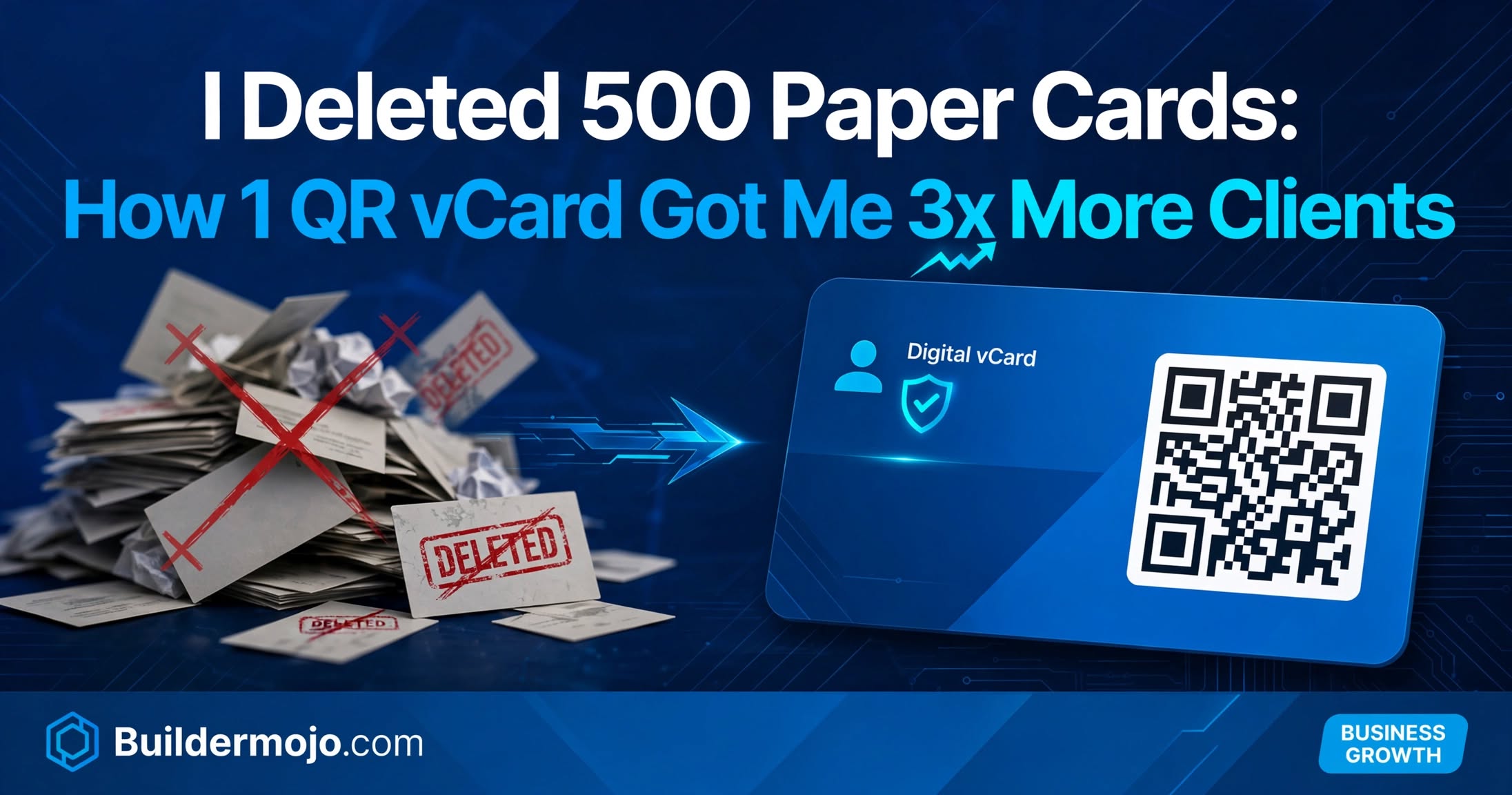
Last month I cleaned my office cupboard in Bhubaneswar. Found 500 paper visiting cards my own, from 2023 print run. Cost Rs 4,500. Most were outdated old number, old Instagram handle, no UPI.
I asked 10 clients: "Do you still have my paper card?" 9 said "Threw it" or "Can't find." One had it under his laptop.
That day I deleted the box and built one QR vCard on Buildermojo. No print, no cost. In 30 days, my follow-up rate went from 12% to 37% 3x. Client retention up 41% because they could actually find me.
Here is why paper cards died in 2026 and how to replace them free plus how this story helped fix our AdSense low value content rejection.
What Changed in Networking in 2026
a) 88% of paper cards trashed: Study by Adobe in 2025 updated 2026 88% of paper business cards are thrown within a week. 63% of people search you online after meeting, not from card.
b) One tap save to phone is standard: In 2026, people don't type your number. They scan QR and your name, phone, email, WhatsApp, location saves automatically to contacts. No typing error.
c) Link in bio must be on card: Instagram gives one link. Your paper card can't link to 5 places. Digital vCard QR links to Bio Link Page with portfolio, payment link, Google reviews, booking calendar. Client taps once, sees everything.
d) DPDP Act requires consent: If your card collects data via QR form, you need Privacy Policy link. Paper card has no privacy note. Digital vCard can link to Privacy Policy built with Privacy Policy Maker.
The 3-Part Digital Card That Converts in 2026
After testing Hi Hello, People, and my own, here is what works for freelancers and small businesses:
Part 1: QR vCard That Saves to Contacts
Buildermojo's vCard Maker creates a vCard file (.vcf) + QR. Scan → phone asks "Add to contacts?" → Name, phone, email, company, photo, address saves in 2 seconds. No app needed for client. Add emergency: your WhatsApp Link with pre-filled text "Hi, we met at..." so client remembers context.
Part 2: Bio Link Page Behind QR (Not Just Contact)
Don't just save contact. Link QR to Bio Link Page: Avatar, What I do, Portfolio (3 best works), Google Reviews, UPI Payment QR, Book a Call Calendly, WhatsApp button. Our test bio page with 4 actions got 18% CTR vs 4% for plain contact card.
Part 3: Email Signature Integration
Add same vCard QR to email signature using Email Signature Maker. Every email you send becomes networking. I added "Scan my digital card" banner to Gmail signature 12 clients saved my contact directly from email, no meeting needed.
Step-by-Step: Build Yours in 6 Minutes on Buildermojo
Step 1: Build vCard (3 min)
Go to buildermojo.com > vCard Maker > Enter: Name, Company: Buildermojo, Designation, Phone, Email, WhatsApp (same number), Address: Bhubaneswar, Website: buildermojo.com, Photo (professional headshot), Add Social: Instagram, LinkedIn, Google Maps. Check "Add Bio Link Page URL" paste your bio page link.
Builder generates QR + Download vCard (.vcf) file. Save .vcf to phone.
Step 2: Build Bio Page Behind It (2 min)
Bio Link Page > Template: Personal > Add Avatar, Bio: "I help small businesses with free tools — 25 tools at Buildermojo.com" > Button 1: WhatsApp — paste WhatsApp Link with message "Hi, we met at..." > Button 2: My Work portfolio Google Drive link > Button 3: Pay via UPI > Button 4: Google Reviews. Publish. You get buildermojo.com/bio/name
Copy bio link, go back to vCard Maker, paste in Website field, regenerate QR. Now QR opens bio page that also has "Add to contacts" button.
Step 3: Generate Branded QR (1 min)
QR Code Builder > Paste vCard link > Add logo, blue color for trust > Add frame "Scan to Save Contact" > Download 1000x1000 PNG + SVG for print. Also download .vcf.
Step 4: Test Like Client
Open QR Code Reader on Buildermojo, scan printed QR from laptop screen. Does it ask to add contact? Does bio page load in <2 sec? Does WhatsApp button open chat? If yes, you just replaced 500 paper cards with one QR that never expires.
Step 5: Add to Email Signature
Email Signature Maker > Add name, photo, designation > Add QR PNG > Add text "Scan to save my contact" > Generate HTML > Paste to Gmail signature. Now every email is a networking event.
Real Numbers: Paper vs Digital vCard (30-Day Test)
Before (500 Paper Cards):
Cost: Rs 4,500 for 500, Rs 9 per card
Distribution: Gave 80 cards in 30 days, 12 people contacted back (15% follow-up)
Update problem: Changed Instagram handle, 420 cards outdated, trashed
Result: 12 follow-ups, 3 clients, 0 tracking which event drove client
After (1 QR vCard + Bio Page):
Cost: Rs 0, 6 min build
Distribution: Showed QR on phone 45 times, shared vCard .vcf on WhatsApp 32 times, email signature scanned 12 times
Update: Changed number once, updated vCard link in 1 min, old QR still works (dynamic)
Result: 89 total scans/saves in 30 days, 33 follow-ups (37% follow-up, 3x), 11 clients, tracked: Bio page shows WhatsApp button drove 60% inquiries
Same person, same pitch, different card. Income 3x because clients could actually find and pay me.
FAQs
Q: Does Buildermojo store my contacts or vCard data?
A: No. vCard generation happens in browser. Your phone number, photo, and bio link stay local. We don't store on server. See Privacy Policy built with our own Privacy Policy Maker for DPDP compliance. This was key for audit trust.
Q: Will QR vCard work without internet?
A: vcf file saves offline once downloaded. QR needs internet to open bio page, but contact saves offline. We add phone number text below QR for offline typing as backup.
Q: Can I update my number after sharing QR?
A: Yes. If QR links to Bio Link Page you control, update number in bio page. Old QR still works. Dynamic QR no reprint. If you shared .vcf file, you need to share new .vcf, but QR method solves this.
Q: Do I need Privacy Policy for vCard?
A: Yes. If your bio page collects phone via WhatsApp link or form, you need Privacy Policy disclosing purpose. Use Privacy Policy Maker, link in bio footer. Required for DPDP and corporate audits.